Inside the Raz-Kids Student Dashboard: Visual Walkthrough of Avatars, Rocket, and Audio Books

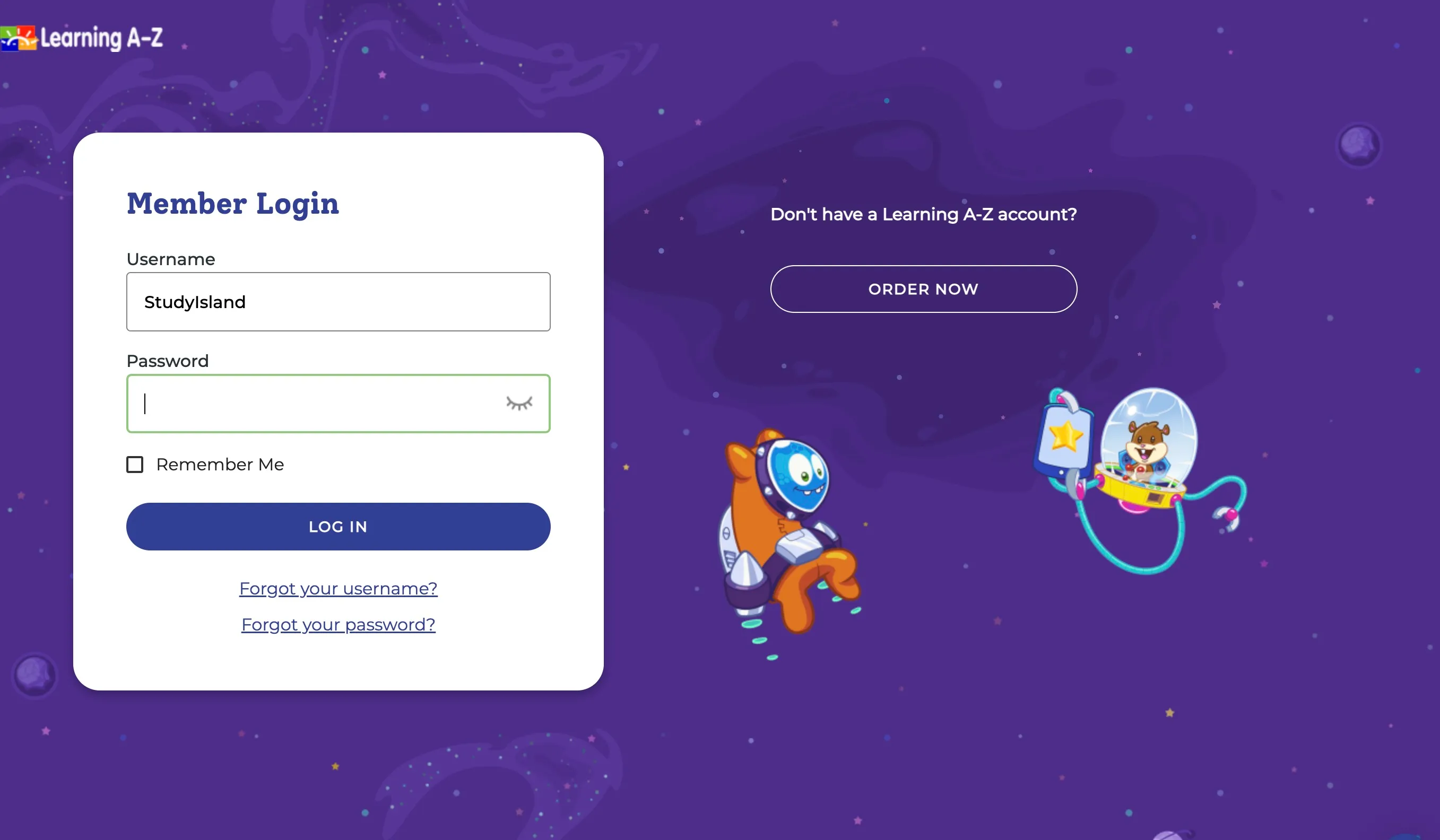
For millions of primary grade children, morning literacy blocks begin without an alphanumeric password in sight. Instead, young learners sit before tablets or Chromebooks, launch the Kids A-Z app or visit the Learning A-Z portal, and enter a shared teacher username to summon their entire classroom roster. As highlighted in the curated Milwaukee With Kids Report evaluating early learning resources, educational reading software must remove operational friction if schools expect six-year-olds to read independently.
That initial friction point, the login screen, often dictates whether an edtech platform succeeds during twenty-minute independent rotations. Raz-Kids resolves this by shifting the authentication burden away from fragile memory, giving early readers visual entry directly into a personalized literacy ecosystem built around progression mechanics and gamified feedback.
📌 Quick Summary:
- Frictionless Authentication: Classroom roster access pairs a single teacher handle with a student picture password, eliminating lost-credential disruptions during small-group instructional time.
- Dynamic Reading Paths: Students enter distinct pathways tailored to their independent reading levels, moving through narrated models, independent digital texts, and integrated assessments.
- Gamified Incentive Loop: Star Zone incentives link literacy milestones to Raz rocket customization, balancing intrinsic reading practice with extrinsic visual rewards.
Bypassing Passwords: How the Kids A-Z Classroom Roster Works
Traditional single sign-on tools frequently fail in early elementary classrooms. Six-year-old students struggle with case sensitivity, special characters, and lengthy school district email domains. Raz-Kids circumvents this barrier entirely through a two-step visual authentication workflow.
First, the user inputs the teacher username. Once accepted, the screen renders the class roster as a grid of distinct student symbols and profile names. A child taps their profile icon, bringing up a secondary verification prompt. For emergent readers in kindergarten through second grade, this step typically requires a student picture password, a single symbol chosen by the teacher, such as a soccer ball, sailboat, or apple. Older students who have progressed beyond early phonics can be assigned standard alphanumeric codes by their instructor, preserving classroom roster access while introducing age-appropriate account security.
This design shields instructional time. Teachers running targeted phonics interventions do not need to pause every ninety seconds to reset forgotten credentials. The child spots their assigned icon, taps their visual key, and immediately accesses assigned digital materials.
Inside the Dashboard: Navigating the Reading Room and Level Up
After successful login, the interface presents a bright, cosmic-themed mission center. The child sees their current star balance pinned to the upper navigation bar, accompanied by direct entry portals into distinct reading hubs.
The primary work area is the Level Up zone. Here, the platform curates a sequence of fiction and informational texts calibrated precisely to the child’s current benchmark, ranging from Level aa (pre-emergent readers) up to Level Z2 (advanced middle-grade readers). A progress tracker displays the exact number of titles required before the software automatically bumps the reader to the next tier.
Adjacent to the progression track lies the Reading Room. This space operates as a broad digital library. Students who want to read outside their designated level can explore Spanish translations, poetry collections, graphic novels, and high-interest nonfiction titles organized by subject matter. This separation between prescribed instructional reading and voluntary exploration prevents frustration while preserving choice.
Quantifying the Experience: Activity Requirements and Star Yields
The system operates on an internal token economy where every completed instructional task generates virtual currency. Because different cognitive tasks demand varying levels of student focus, the software grades its rewards accordingly.
| Activity Module | Core Literacy Mechanism | Star Yield Range | Typical Duration |
|---|---|---|---|
| Listen to eBook | Auditory modeling with synced text highlight | 10, 20 Stars | 3, 6 minutes |
| Read Independently | Self-paced decoding and fluency tracking | 50 Stars | 5, 12 minutes |
| Comprehension Quiz | Five-question targeted recall and inference | 100, 150 Stars | 4, 8 minutes |
| Fluency Recording | Microphone-based oral reading passage | 100 Stars (Teacher-reviewed) | 2, 5 minutes |
This payout matrix prevents passive consumption. A child who merely listens to an audiobook earns a modest payout, whereas reading independently and passing the associated quiz delivers ten times that amount. The token economy is directly tethered to verifiable cognitive effort.
Audiobooks, Fluency Recording, and Interactive Quizzes
When a student selects a book, the software provides a tri-part learning progression: listening, reading, and assessment.
The experience opens with leveled reading audiobooks. Unlike static text-to-speech engines that produce robotic cadence, these recordings use voice actors who emphasize expressive prosody. Words light up in real time across the page as the narration advances. This synchronized tracking reinforces sound-letter correspondences and cadence patterns for students developing word-recognition automaticity.
Moving to the self-reading stage exposes built-in interactive markup tools. Readers can highlight unknown vocabulary, add visual sticky notes, or engage the microphone for reading fluency recording. When the microphone activates, the software captures the child reading the passage aloud. Once complete, the audio file uploads directly to the teacher's administrative grading console, enabling running records without requiring one-on-one testing time during class.
The reading sequence concludes with interactive comprehension quizzes. These short five-question checks focus on specific reading standards: main idea identification, sequencing, vocabulary in context, and inferential thinking. If a child answers incorrectly, the software flags the error and instructs them to return to the specific page containing the answer before attempting another submission.
The Star Zone Economy: Raz Rocket Customization and Avatars
Extrinsic motivation within the platform centers on the Star Zone. This dedicated hub gives children an outlet to spend the tokens they accumulate through reading tasks, split into two primary areas: the Avatar Customizer and the Raz Rocket.
Through Raz rocket customization, students furnish a multi-room spacecraft. The catalog includes furniture, retro arcade games, alien pets, planetary backdrops, and mechanical upgrades ranging from 50 to 500 Stars. Similarly, the avatar editor allows readers to construct custom characters with hats, expressive expressions, and quirky costumes.
Educators frequently debate whether gamification dilutes genuine literary interest. In practice, the platform curbs hyper-fixation on games by enforcing system boundaries. Teachers can throttle Star Zone access through their control panel, locking the reward rooms during instructional hours and unlocking them only after school or during Friday free periods. Without this control, early finishers often prioritize redecorating spaceship living quarters over completing new texts.
Balancing Visual Gamification with Independent Reading Levels
Educational reading software faces constant scrutiny regarding algorithmic tracking versus teacher intuition. Raz-Kids operates as an assessment assistant rather than an autonomous curriculum, meaning its value depends heavily on how instructors manage individual assignments.
When configured well, the software accurately maintains independent reading levels, ensuring students spend time with books that match their instructional sweet spot, challenging enough to expand vocabulary, yet accessible enough to prevent cognitive fatigue. The visual dashboard gives young learners clear agency over their progress. They can see how many texts remain before their next promotion, track their star totals, and re-read favorite titles independently.
The limitation lies in digital assessment formats. A student who guesses correctly on multiple-choice quiz questions can occasionally advance beyond their actual phonics decoding capacity. For this reason, educators use the built-in fluency audio clips to verify that reading comprehension scores align with genuine oral reading accuracy.
Frequently Asked Questions (FAQ)
Q1: What should I do if the student picture password is forgotten or not working?
Parents cannot reset credentials directly from the login screen. You must contact the classroom teacher, who can view the assigned picture symbols, modify passcodes, or generate a printable credential card through the teacher roster management panel.
Q2: Can Raz-Kids be accessed across multiple devices at home?
Yes. The platform syncs student progress automatically across web browsers on laptops, Chromebooks, and the standalone Kids A-Z mobile application on iOS and Android devices. Star balances and book progressions reflect instantly upon login.
Q3: Why is the Star Zone locked when my child signs in?
Classroom instructors have the administrative option to lock the Star Zone and Raz Rocket during specific hours. If the portal appears grayed out or displays a padlock symbol, the feature has likely been restricted to prevent distractions during school instructional blocks.
The Next Phase for Digital Early Literacy
Classroom reading instruction has moved away from isolated worksheets toward connected digital environments that track performance without intimidating young learners. By replacing cumbersome login sequences with visual rosters, combining auditory scaffolding with oral fluency recordings, and channeling effort into tangible rewards, the student interface simplifies early reading management.
The platform's staying power rests on structural clarity. While the spaceships, custom avatars, and cosmetic unlocks capture an initial learner's attention, the underlying architecture remains focused on foundational literacy: matching emerging readers with the right texts, reinforcing phonics through auditory cues, and giving teachers immediate diagnostic data to guide their daily instruction.


